 Efficient Tools
obsidian-links-keeper
This is a plugin for Obsidian to manage your frequently used links.
Installation
Prerequisites
To install this plugin, you will need:
- Git installed on your local machine.
- A GitHub account.
- A local development environment for Node.js and the Node.js version should be above
14.17.0. - The Obsidian App.
Step 1: Download the plugin
Download the source code into the plugins folder.
bash
git clone git@github.com:luhaifeng666/obsidian-link-keeper.git
Step2: Build the plugin
- Navigate into the plugins folder:
bash
cd path/to/vault/.obsidian/plugins/obsidian-link-keeper
- Install dependencies:
bash
pnpm run install
- Build the plugin:
bash
pnpm run build
Step 3: Enable the plugin
To load the plugin in Obsidian, you first need to enable it.
- Open
Preferencesin Obsidain. - In the side menu, click
Community plugins. - Under
Installed plugins, enable theLink keeperplugin by clicking the toggle button next to it.
You are now running the obsidian-link-keeper plugin! Nice~🎉
Settings
You can set the file path where the links are stored by following steps.
- Open
Preferencesin Obsidian. - In the side menu, click
Link keeper. - Fill in the file path into the text box. The default file path is
${process.env.HOME}/etl.json
Usage
You can manage the links through this plugin.
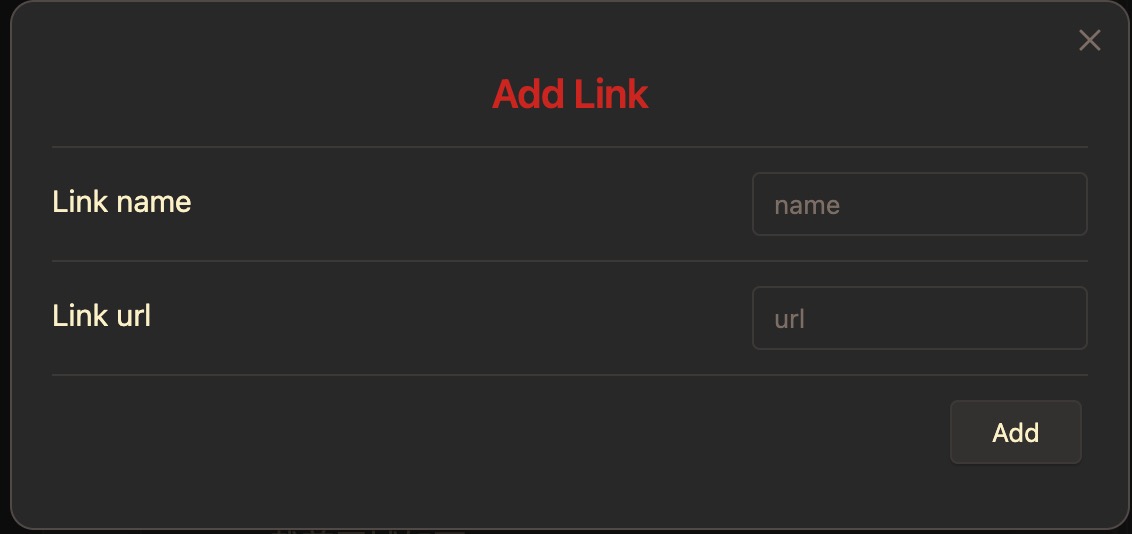
Add link
You can add a link by following steps.
- Click the command icon in the left side menu.
- Select a command named
Link keeper: Add link. - Fill in the link name and the link url and save them by clicking the
add button.
💡 By the way
If you find it troublesome or you wanna add the link selected in the Obsidian editor, you can try following steps.
- Select the link you wanna add.
- Open modal by the above three steps or the
hotkey. - Fill in the link name and click the
add buttonto save.
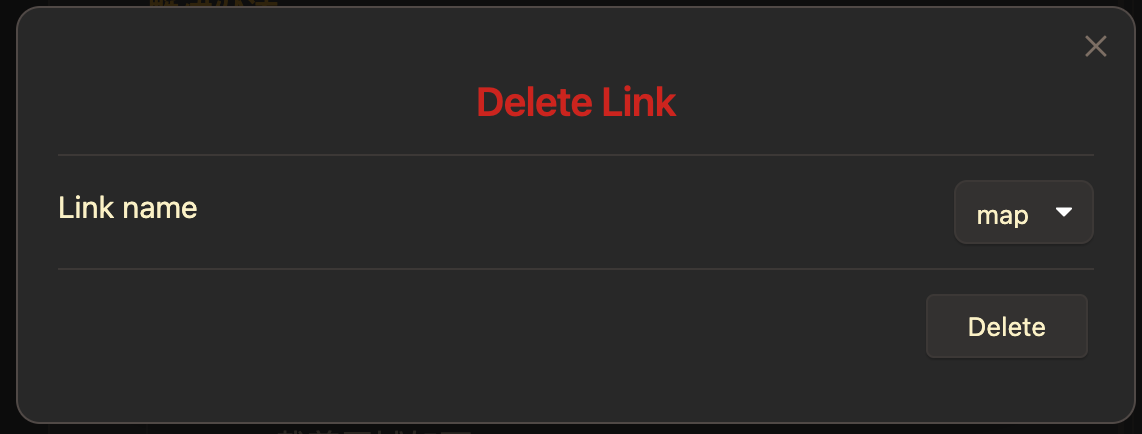
Delete link by link name
You can delete a link by following steps.
- Click the command icon in the left side menu.
- Select a command named
Link keeper: Delete link. - Select a link name and click the
delete button.
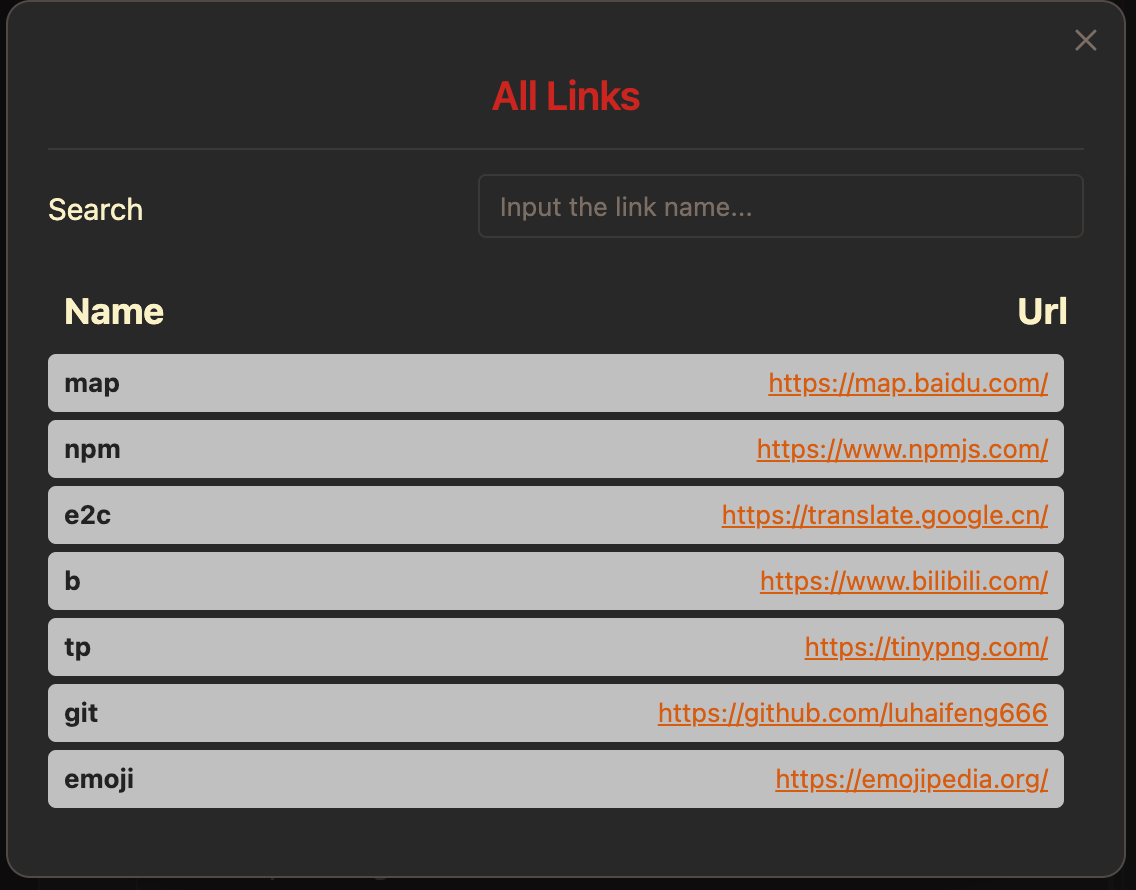
Search link by link name
You can search a link by following steps.
- Click the command icon in the left side menu.
- Select a command named
Link keeper: List link. - Fill in the link name.
Set hotkeys
You can set hotkeys for the above commands.
- Open
Preferencesin Obsidian. - Click the
Community pluginsin the side menu. - Click the
Hotkeys iconnext to the information of theLink keeperplugin.