 Efficient Tools
obsidian-translator
This is a plugin for Obsidian to translate (selected) text.
Usage
Use directly
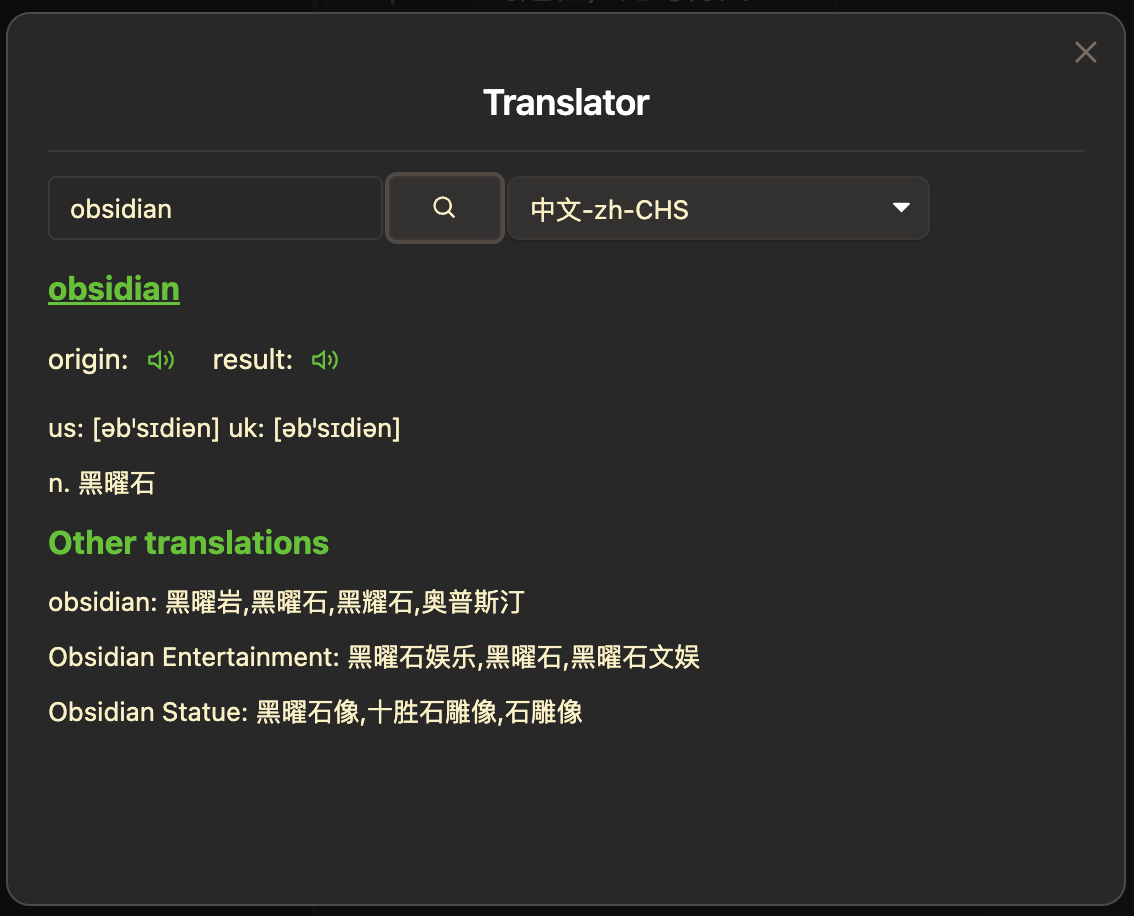
- Click the book icon in the left side menu, or click the command icon in the left side menu and select the command named
Translator: translateto open the translator modal. - Enter the phrase and select the language that you wanna translate to.
- Click the search button.
Translate the selected text
This plugin also supports translating the selected text. You can select the text that you wanna translate and open the translator to translate it.
Set hotkeys
You can also set hotkey for the Translator: translate command.
- Open
Preferencesin Obsidian. - Click the
Community pluginsin the side menu. - Click the
Hotkeys iconnext to the information of theTranslatorplugin.
Settings
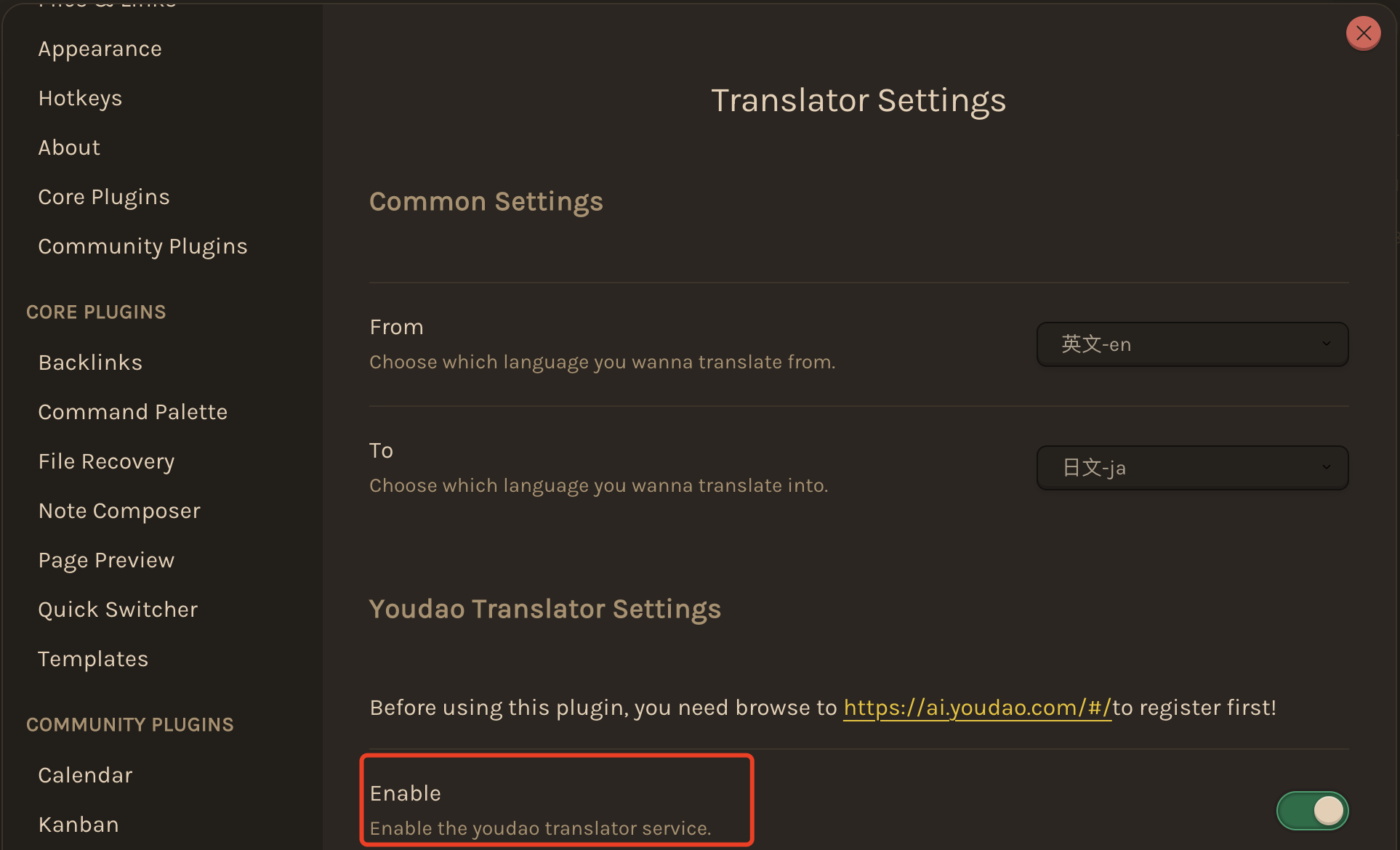
You can config the plugin by following steps.
- Open
Preferencesin Obsidian. - In the side menu, click
Translator. - Choose the translation service(s) you wanna use and add configurations.
PS:
This plugin has now supported two translation services: the Youdao translation service and the Microsoft translation service. You can enable them by setting Enable configuration.